
Someone tell Isaac that changing the mesh can be done now!
SpoilerShow
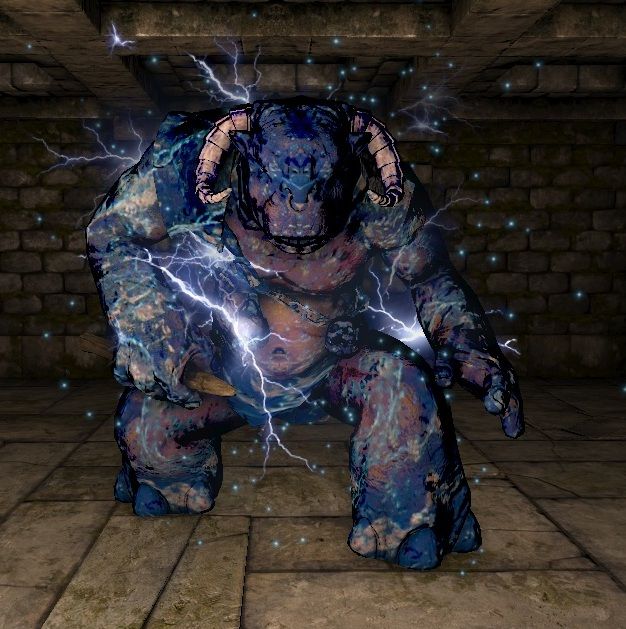
SpoilerShow
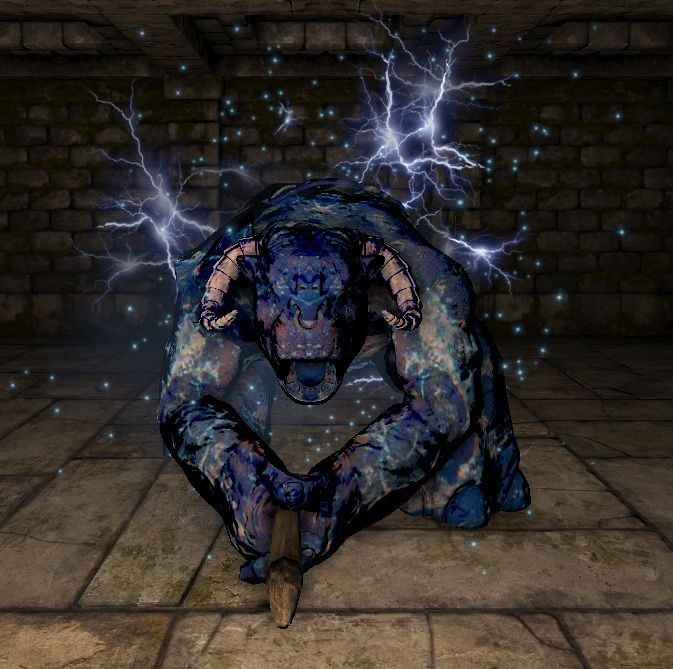
The model shows up without any errors if I use one of the materials the ogre already uses. It only becomes 'invisible' if I export with my custom material applied. So the problem has to be related to the material. And since the problem is not the material itself (shows up without problems on other models, lua definition is a copy/paste of a basic non-transparent texture) it has to be an export problem. I can only guess that it's the third material, since I can export two just fine. Maybe it's different for rigged models than for static models? No idea.Diarmuid wrote:I've exported models with 3 materials on them no problem. It rather seems that there are some types of geometry the exporter doesn't like. I've got tons of void parts of models like that. Usually remodeling it using a different approach managed to fix it, but modelling things two or three times over gets tiresome.
Sounds like flipped normals. This doesn't show when you render in max. Make sure you always reset transforms before export (utilities>reset xform). At least in other games I modded this was often the cause for flipped normals on export.Diarmuid wrote:I have another question, for wallasaurus or someone else, and it's realpy bugging me. When I export many of my models, in game they shade weirdly. Some faces are almost black, a direct torch on them only lights up a part of the surface, while the face next to it is perfectly illuminated even from far. If I bring the model in GMT and click recalculate normals, problem is fixed but I loose all smoothing groups. I don't understand what is causing this as models look and render impeccably with their maps in max.
 Please give me as much broken examples as you can so I can refine the tools.
