
I think it is a perfect way to create a lock picking system.
Lets use this thread to discuss best ways of implementing a lock system.
We could also post lock picking specific assets and scripts within this thread.
SpoilerShow
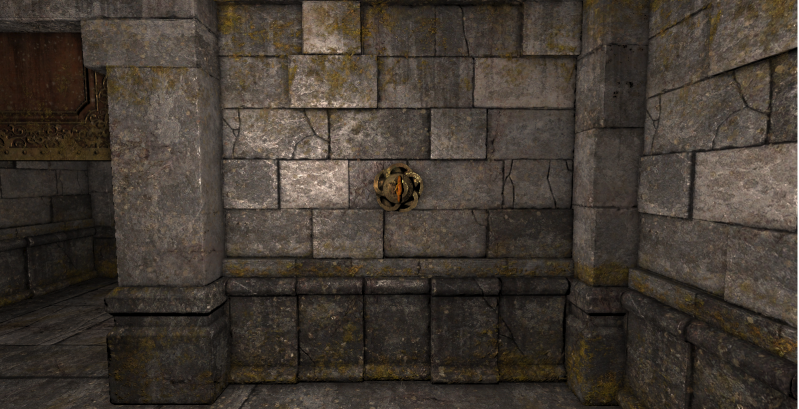
To use, place a ornate lock on the wall
Place this alcove socket on top.
Code: Select all
defineObject{
	name = "ornate_key_socket",
	class = "Alcove",
	anchorPos = vec(-0.01, 1.37, -0.13),
	anchorRotation = vec(0,90,90),
	targetPos = vec(-0.01, 1.37, -0.13),
	targetSize = vec(0.3, 0.3, 0.3),
	placement = "wall",
	onInsertItem = function(self, item)
		return item.name == "ornate_key" and self:getItemCount() == 0
end,
	editorIcon = 8,
}
With these kinds of locks, it opens the way for lockpicking as well.
(You could use the lock underneath as normal, and have the socket on top take only your lockpicking tool)
The way I see a lockpicking system working in Grimrock with my new alcove is like this:
Because the lock behind the alcove still functions normally, you can have options for both a key and a lockpick to toggle the door.
So lets say you have the lock opened by an iron key, and the alcove only takes a lockpick.
If the player can't find the key, but has a lockpick, he can open the lock. There could be a random chance that the lockpick breaks (Destroy the lock pick and have hudPrint("Your lockpick snapped")


