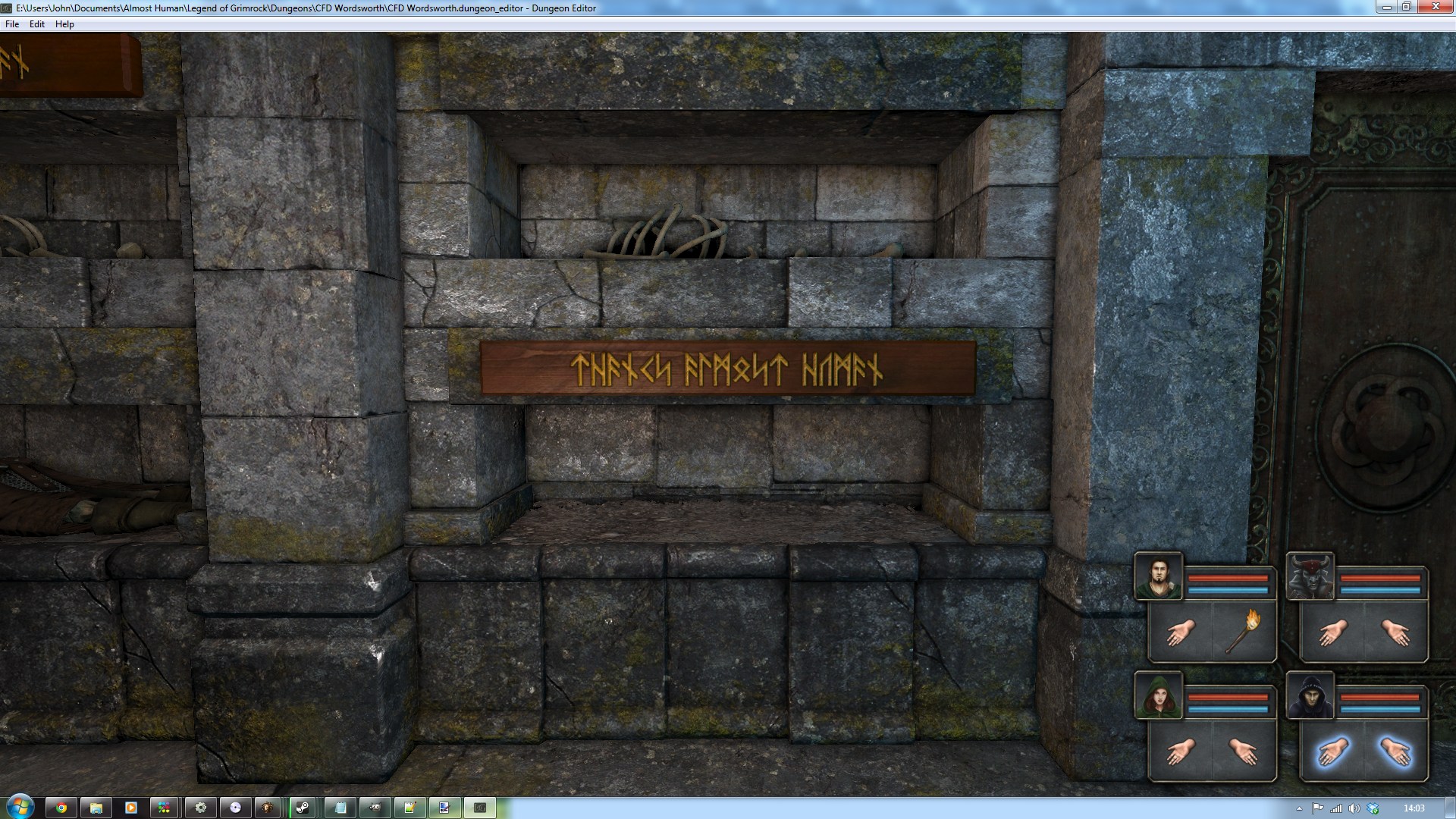
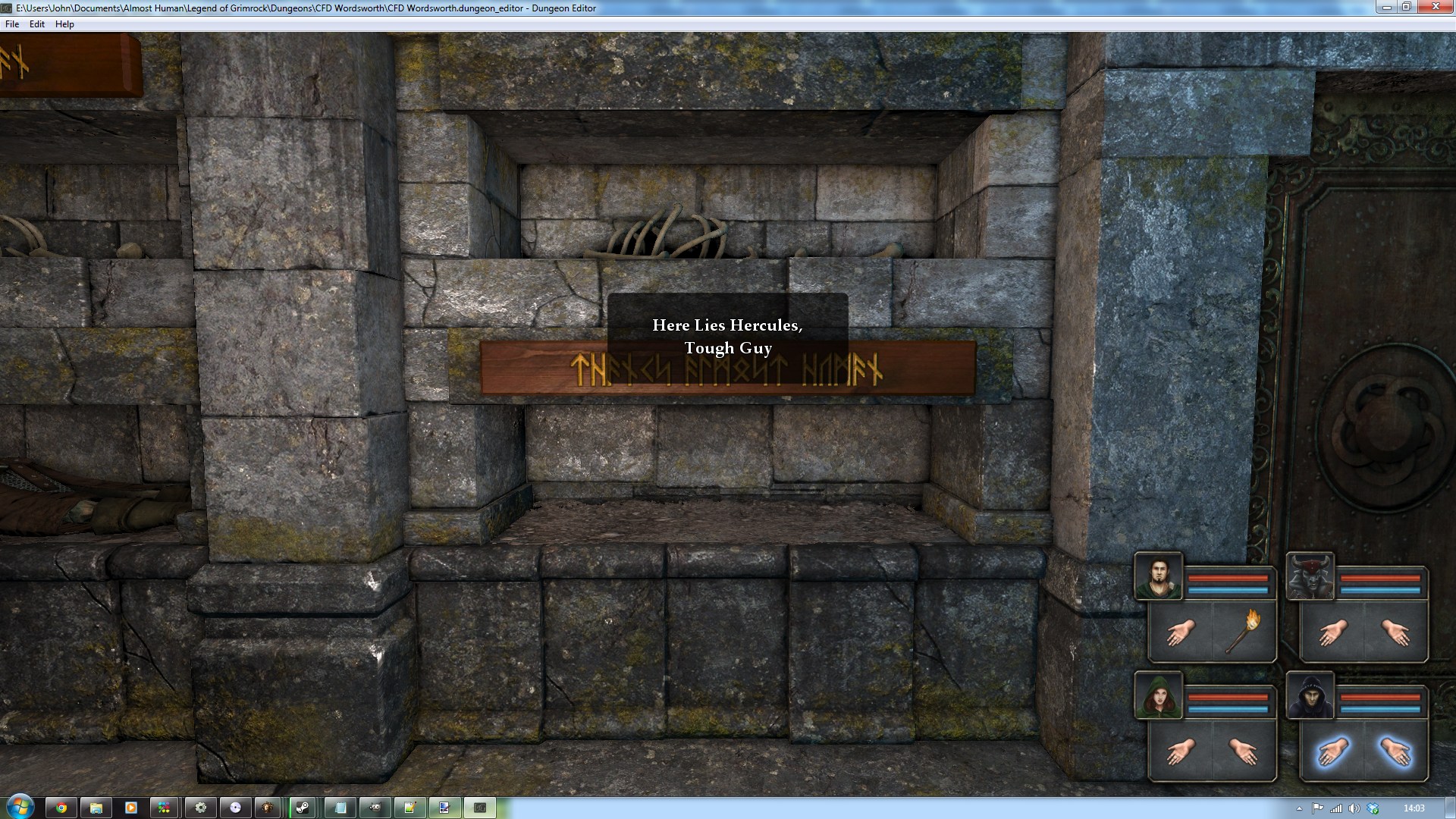
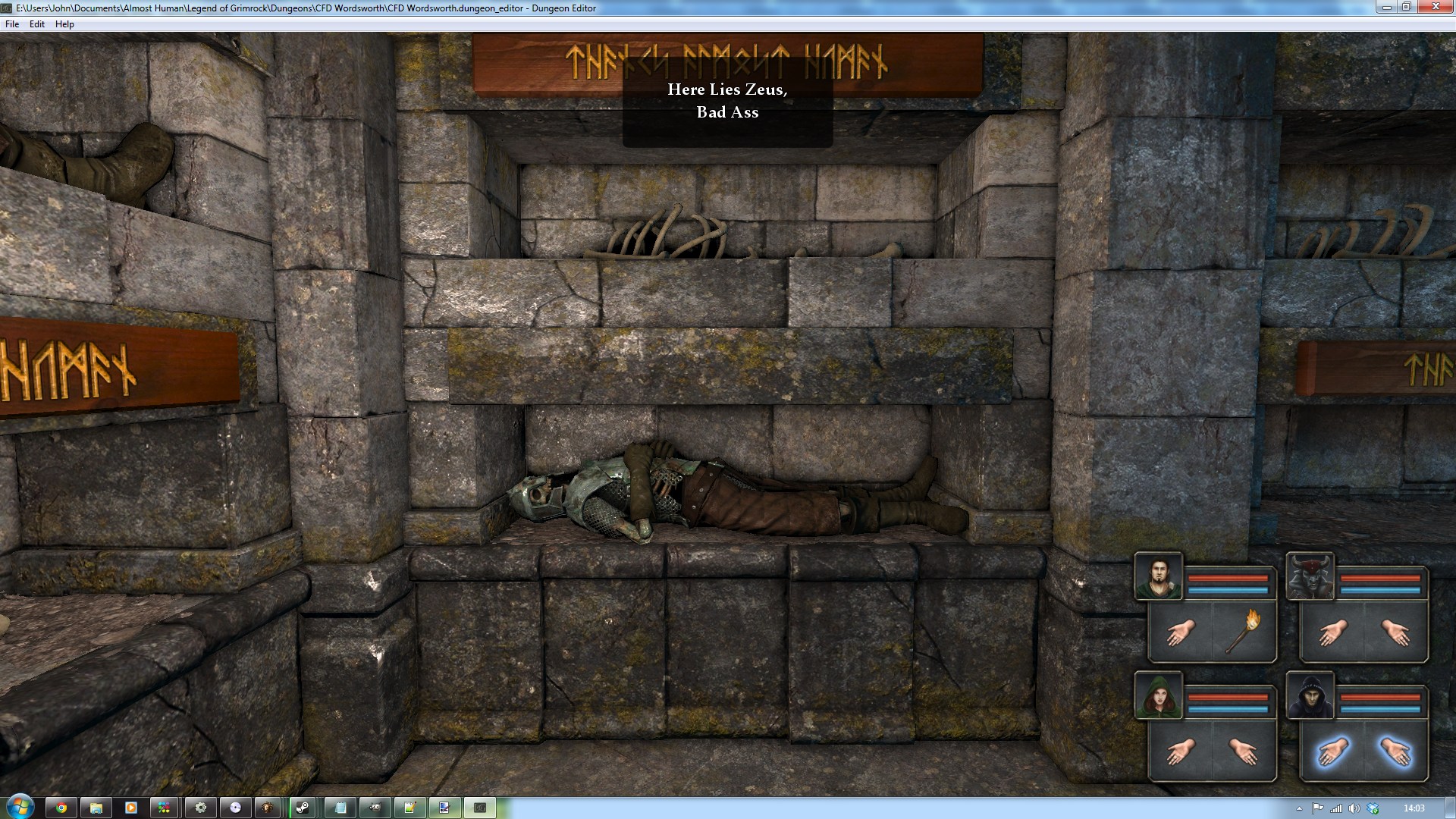
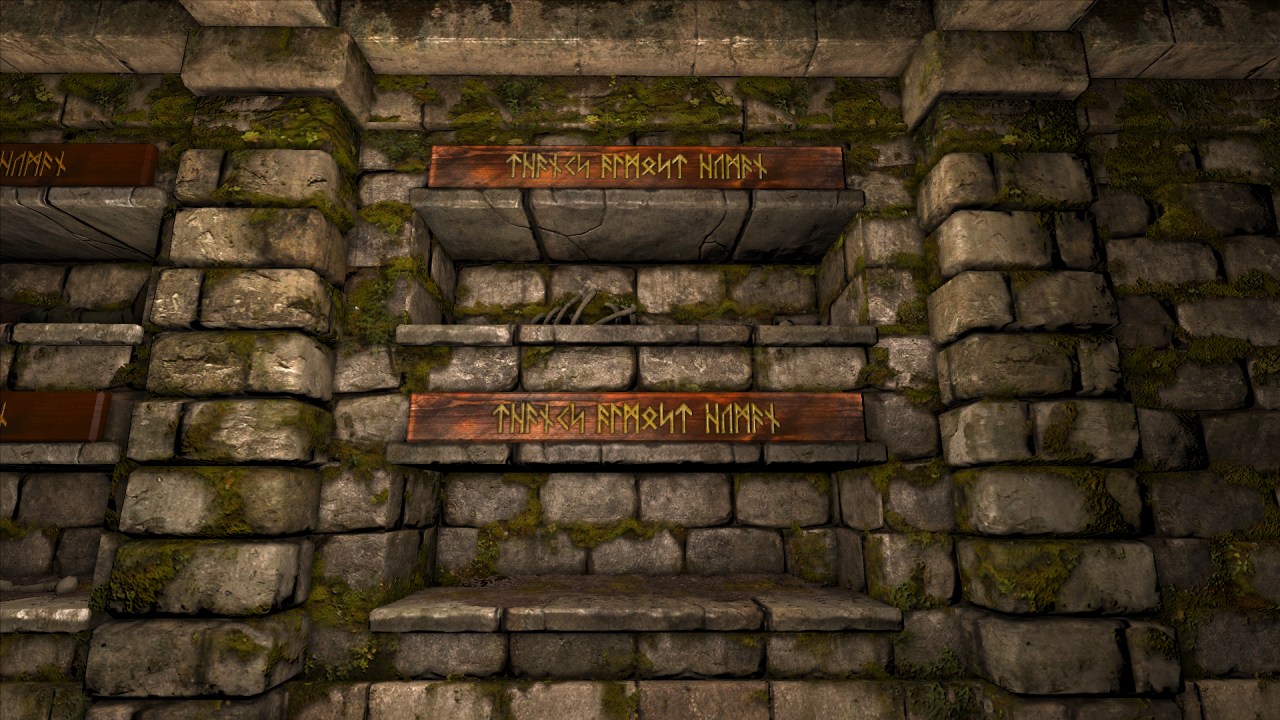
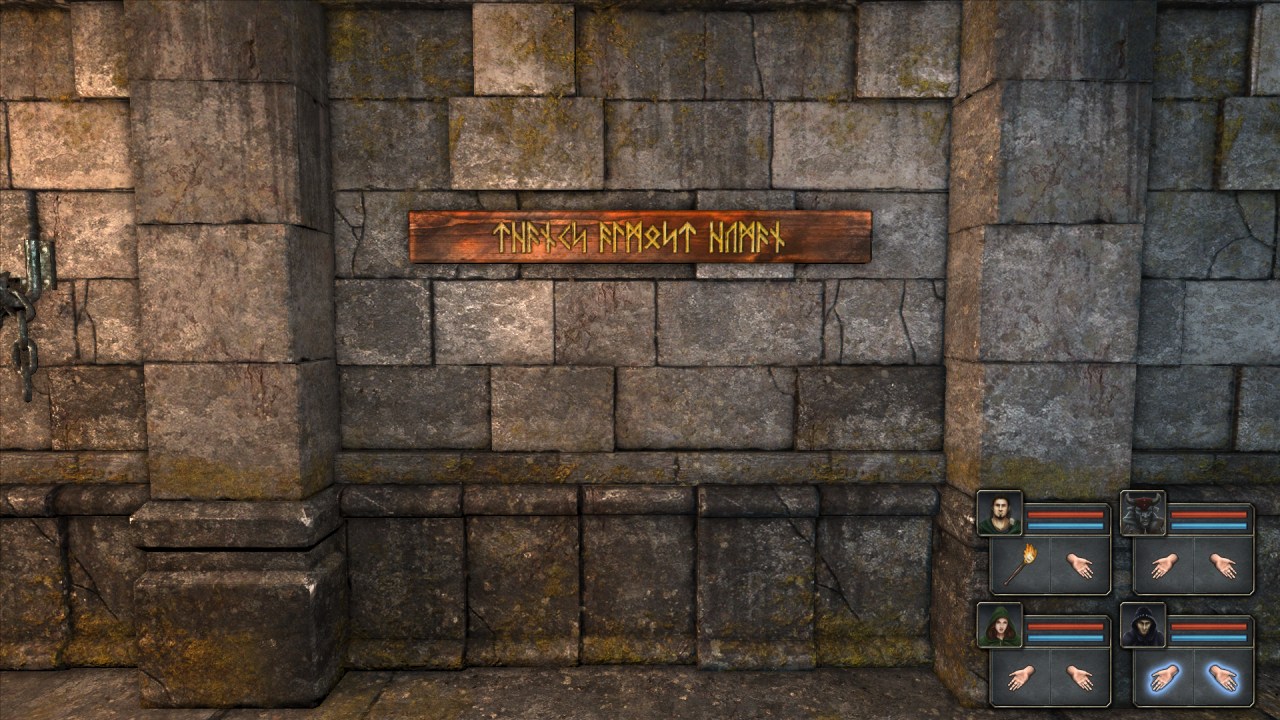
You simply add them as a Wall Text object over either the dungeon catacomb walls or the temple catacomb walls (there are 4 models - high and low for each the dungeon and temple wall sets) - they don't replace the walls. As such, you can mix and match them (low and/or high) and you can still have the catacombs as alcoves.
Last edited by JohnWordsworth on Fri Dec 07, 2012 5:41 pm, edited 2 times in total.
My Grimrock Projects Page with links to the Grimrock Model Toolkit, GrimFBX, Atlas Toolkit, QuickBar, NoteBook and the Oriental Weapons Pack.
I could very much make use of these, these are looking great. One critique may be that they look a bit too "new". Maybe more weathering on the planking. Can't wait to put them to use!
I like them a lot. Have a classic DM/EOB look to em. It also gives me a way of naming/introducing fallen heroes or remains_of_, in a sensible and logical manner for the player. Kudos!
Currently conspiring with many modders on the "Legends of the Northern Realms"project.
"You have been captured by a psychopathic diety who needs a new plaything to torture." Hotel Hades
Nice idea @Mal85. I've uploaded the 'clean' versions but will later also try to add a weathered texture and provide options for both the clean and the weathered objects in the game.
My Grimrock Projects Page with links to the Grimrock Model Toolkit, GrimFBX, Atlas Toolkit, QuickBar, NoteBook and the Oriental Weapons Pack.
Regarding the "weathering"... doing other things in Grimrock, I noticed wood in the game is always slightly unnaturally grayish instead of brownish.. so probably changing the hue to a colder colour and lowering the saturation could help in making them appearing more weathered and creepy!